Released yesterday and based on FireEye’s Flare VM there is now a Windows alternative to the widely used Pentesting Toolkit/distribution Kali Linux. FireEye has attempted to fulfill a void in the security community by providing an easy-to-update Windows alternative to popular toolkit choices of security researchers world wide.
Their reasoning is explained in their post and in my eyes can show the advantages of basing such tools on a native platform such as Windows (especially if you are pentesting Wintel networks):
“Penetration testers commonly use their own variants of Windows machines when assessing Active Directory environments. Commando VM was designed specifically to be the go-to platform for performing these internal penetration tests. The benefits of using a Windows machine include native support for Windows and Active Directory, using your VM as a staging area for C2 frameworks, browsing shares more easily (and interactively), and using tools such as PowerView and BloodHound without having to worry about placing output files on client assets.”
FireEye’s explanation about Commando VM
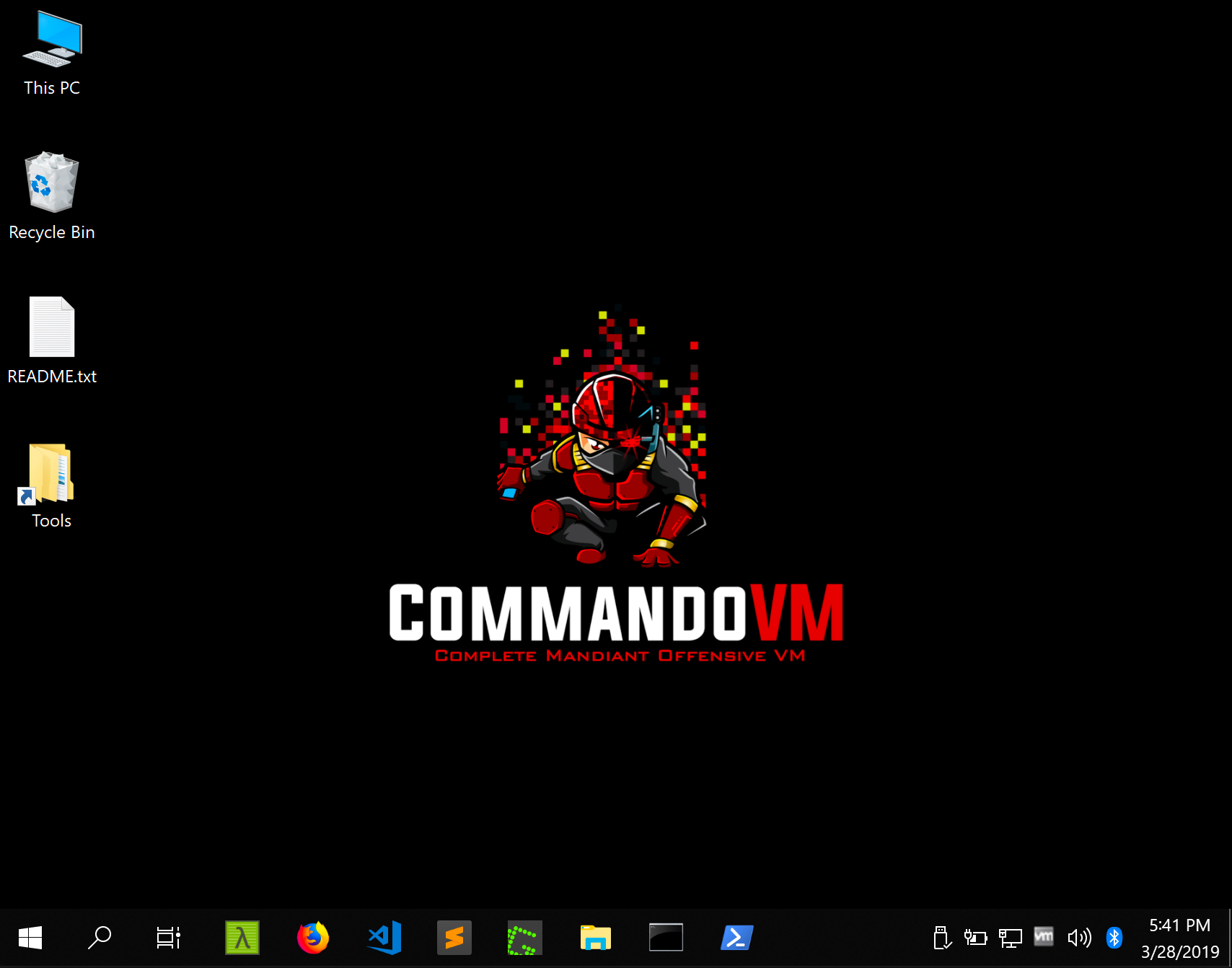
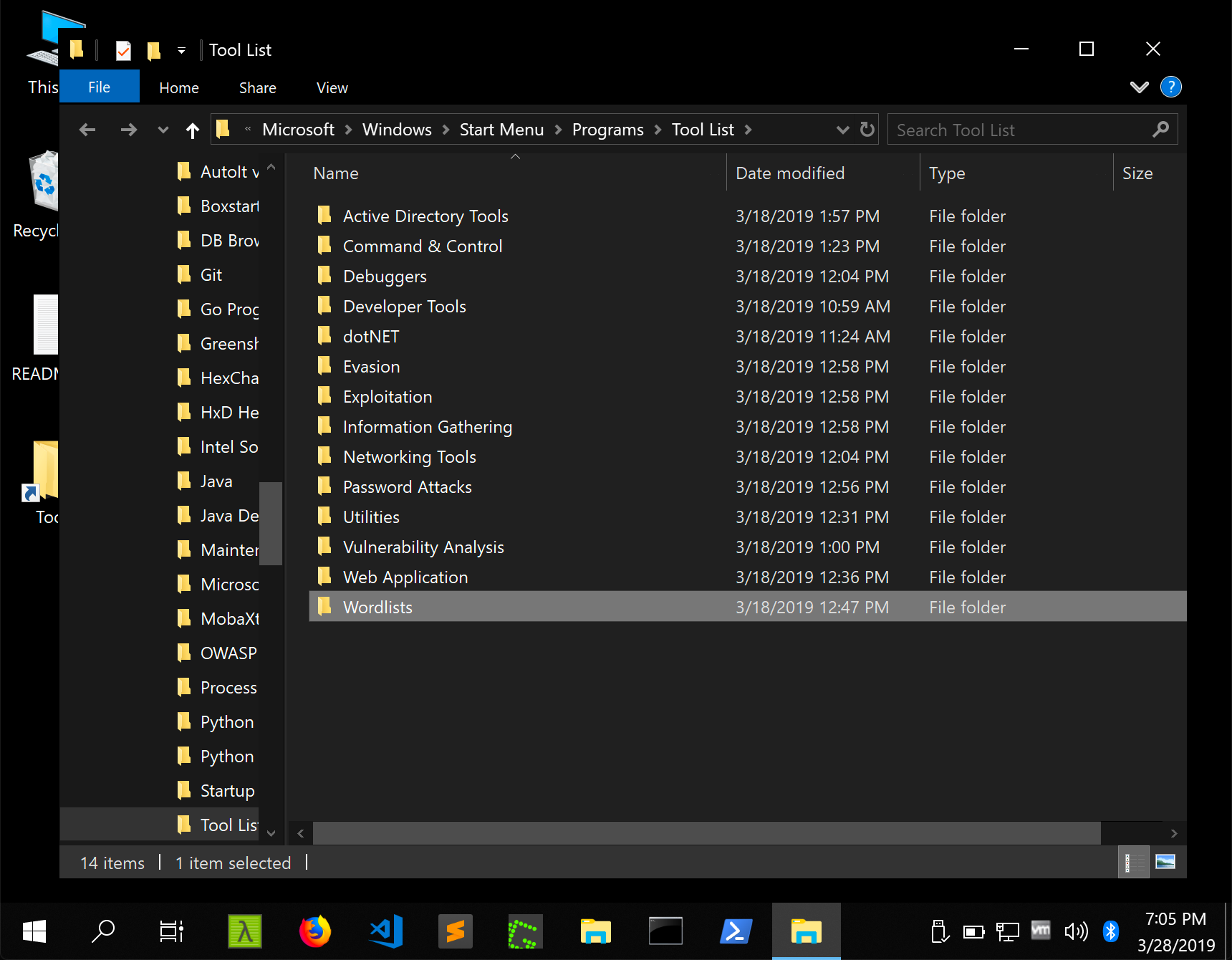
I’ve yet to personally launch the VM just yet but they state that over 140 tools are available with some being popular known kits (like Mimikatz and Burp-Suite) along with Windows-native tools such as sysinternals. Though there are still limitations that might be set with using a Windows Distribution I personally hope this sets a milestone for Pentesting and takes away the need for linux understanding (though Kali is incredibly user friendly).
Time will only tell how it holds up in the real world and whether it will become an actual alternative to Kali Linux but it will be interesting to see the take of the security community world wide and whether it’s adoption will be wide-spread.
I’d like to thank FireEye especially for this project and sharing it with the world.
You can find the github relating to it here.
 Fighting the endless fire