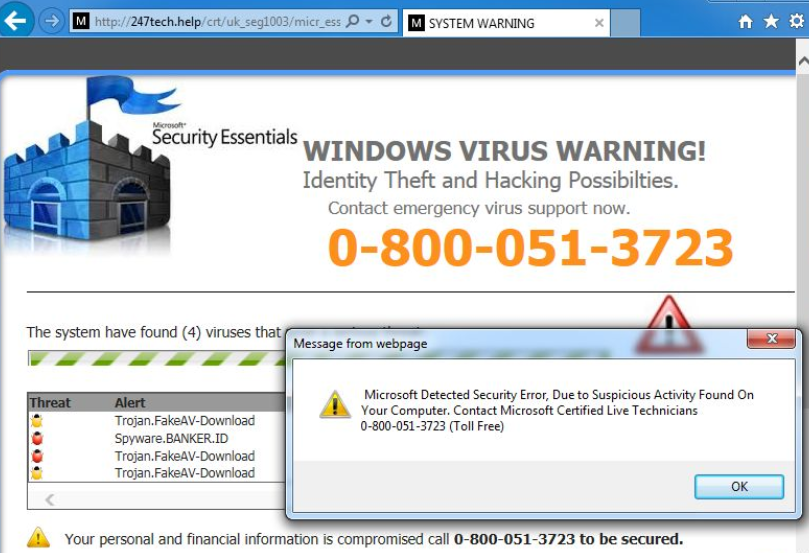
Let me take your imagination and try paint a scene into your mind.
It’s late and you’re online carrying out your regular browsing activities such as watching cat videos or reading IT security blogs. You’re clicking happily away stacking tabs more than I stack empty soda cans until your worst nightmare is about to begin. You recall all the advice both pro’s and amateurs have given you. Every technical horror story ever invented has just dawned into your mind as your vision/sound/concentration become violently violated with a warning.
Your brand-spanking new device, family PC or work machine has just found hit a problem. Viruses, hardware issues, hackers and more have just turned this merry evening of browsing into a technical nightmare. The warning doesn’t simply just sit there; it moves, it makes noise, it pops up, it shakes, it flashes and does everything to alert you how screwed you are.
The fear sets in, you try to make sense of the key phrases such as “TROJAN” or “SECURITY ERROR” to make sense of what has happened.
You doubt yourself, the sites you visited, the things you’ve downloaded.
The horror and consequence of losing all your data or ruining a perfect machine has become real, the panic has set in and you find yourself scanning the text mentally and physically. Amidst the chaos you see light; a way out, a saving grace to this disaster.

What is this you wonder?
The direct line/contact info/solution to all your issues.
Microsoft (insert company name here) has offered it’s technical assistance at such a crucial time from a none US toll-free international landline number. If you are even more lucky, sometimes it’s even a tool to get an engineer onto your machine INSTANTLY! (talk about service!)
The sad reality of this story and situations like it, is that this is a very real occurrence and takes victims world wide by the hour. If you’ve read this far you’ll either laugh at the idea of being in such a situation or you’ll have some compassion and understand just how easy this tactic works.
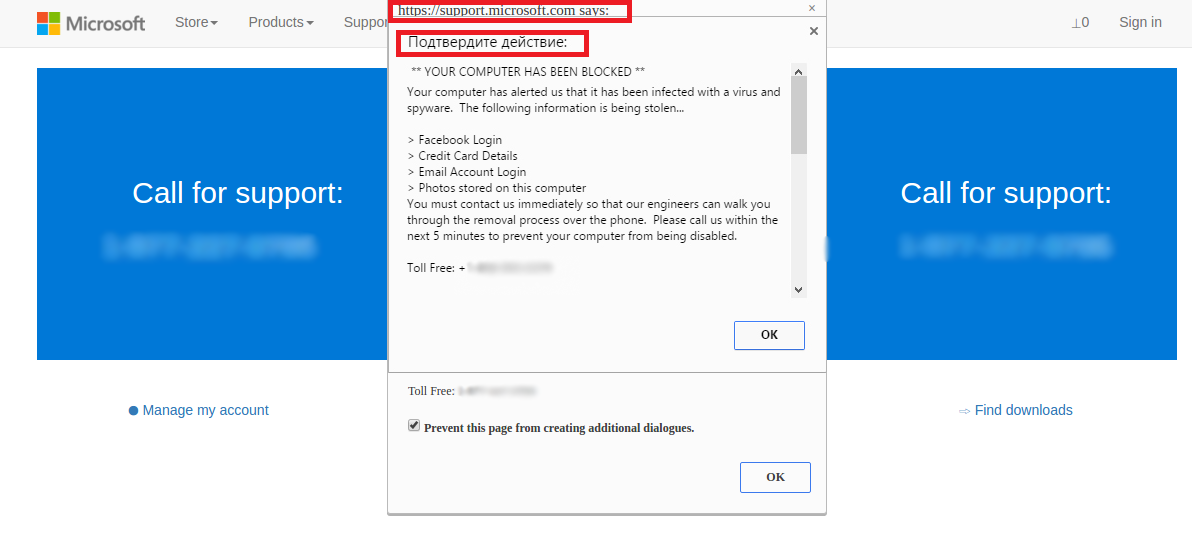
Without going too in-depth into social engineering and it’s principles, it’s impossible to discuss these types of scams/threats without mentioning the psychology behind it. The tech/security world along with the media has created an in-built panic for the average user.
Whether it’s the computer policy in your workplace/school, the fear of losing precious files or the destructive nature of hackers portrayed in movies, there is a big foundation built fear. As services and applications become more and more user-friendly, the knee-jerk reaction from users of any background has seemingly raised over the last decade.
Unfortunately the only mitigation to this type of attack/tactic (other than browser plugins and security tools to try prevent the sites from loading) is user awareness/training. This task becomes increasingly hard as each situation this might occur can differ, have different causes and consequences (meaning there is no blanket solution).
This attack is also not limited to the monitor/screen as even direct phone calls can the source of this type of deception. It relies heavily on self-doubt, uncertainty and through the open threat of data loss/damage.
Not Your Average Pop-up
When it comes to marketing, psychological manipulation or simply selling something there’s two sides to a person that can be levied. One can either appeal to their greed/desires (offering a reward/prize/expensive gift) or they can appeal to their fear/worries (warning them of a threat/outcomes).
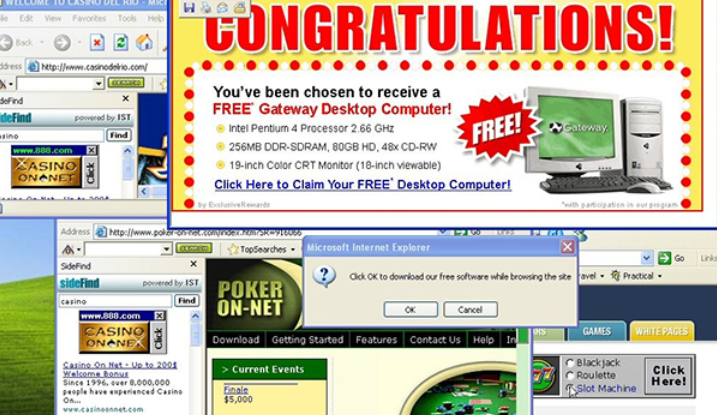
Times have changed and mentalities have progressed.
Most people know about things being too good to be true.
However most people are programmed not just regarding technology but with most things; to use caution, to be fearful and to expect the worst.
The only real mitigation around this is to be trained with browsing habits (stop trying to stream HDUNRELEASED.2K19.CAM.EDITION.DVD.AVIMP4SCREENER or downloading games) to never believe “Microsoft” or any company would call you out of the blue (without you first speaking to them).
These pop-ups though may display seemingly real virus warnings/errors or hardware faults, try identify the actual URL of the site. If this isn’t possible, often spelling mistakes or auto-translated text might be a clear giveaway to know that the information is false.
If you are ever in fear that you are infected or might of haven your browser hijacked I would suggest running free tools such as malwarebytes or roguekiller but do not ever just allow a stranger or someone you do not know remote into your device. The same way you wouldn’t hand out your banking information to anyone but your bank, never hand over your machine to anyone but whom you have trust.
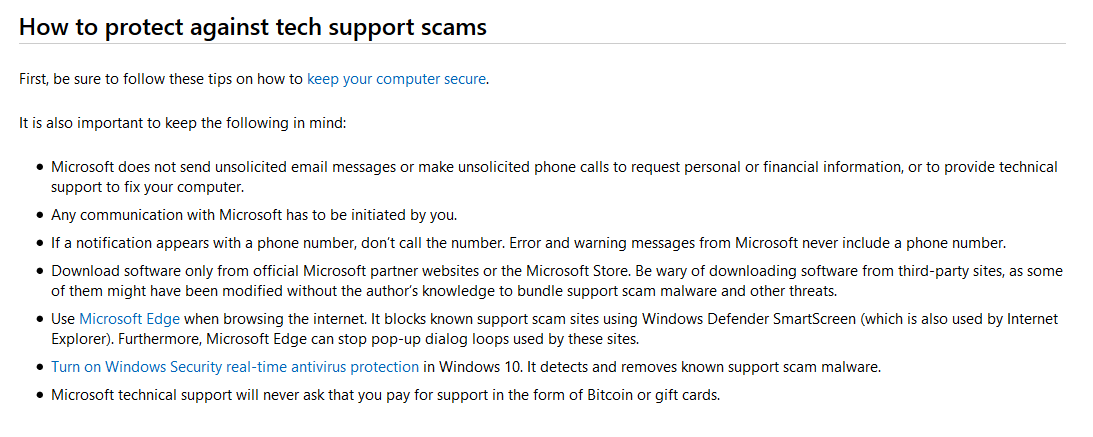
Some guidance can be found here: https://www.consumer.ftc.gov/articles/how-spot-avoid-and-report-tech-support-scams and Microsoft themselves provide a few advisories on the topic to be aware of:
 Fighting the endless fire